
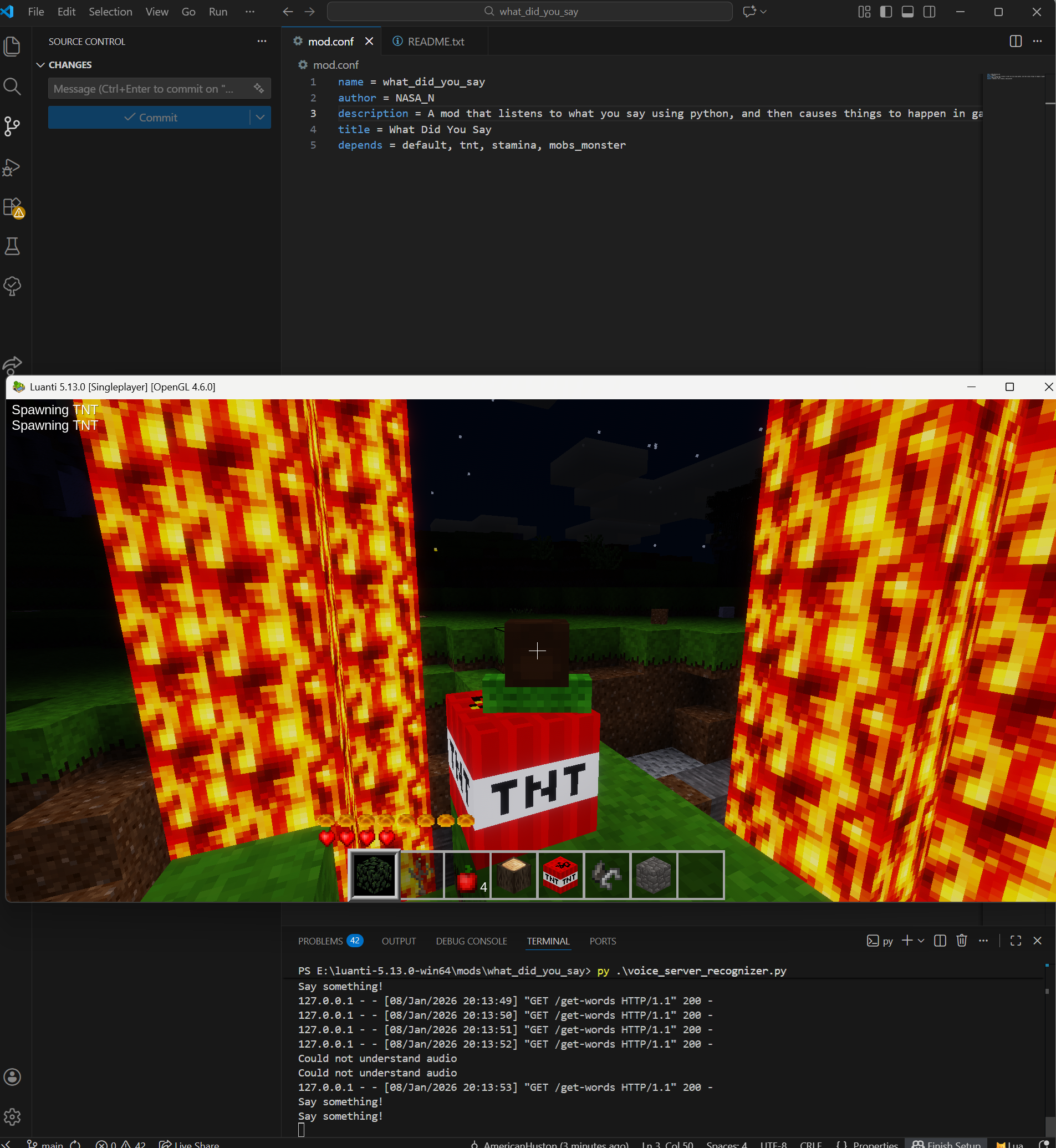
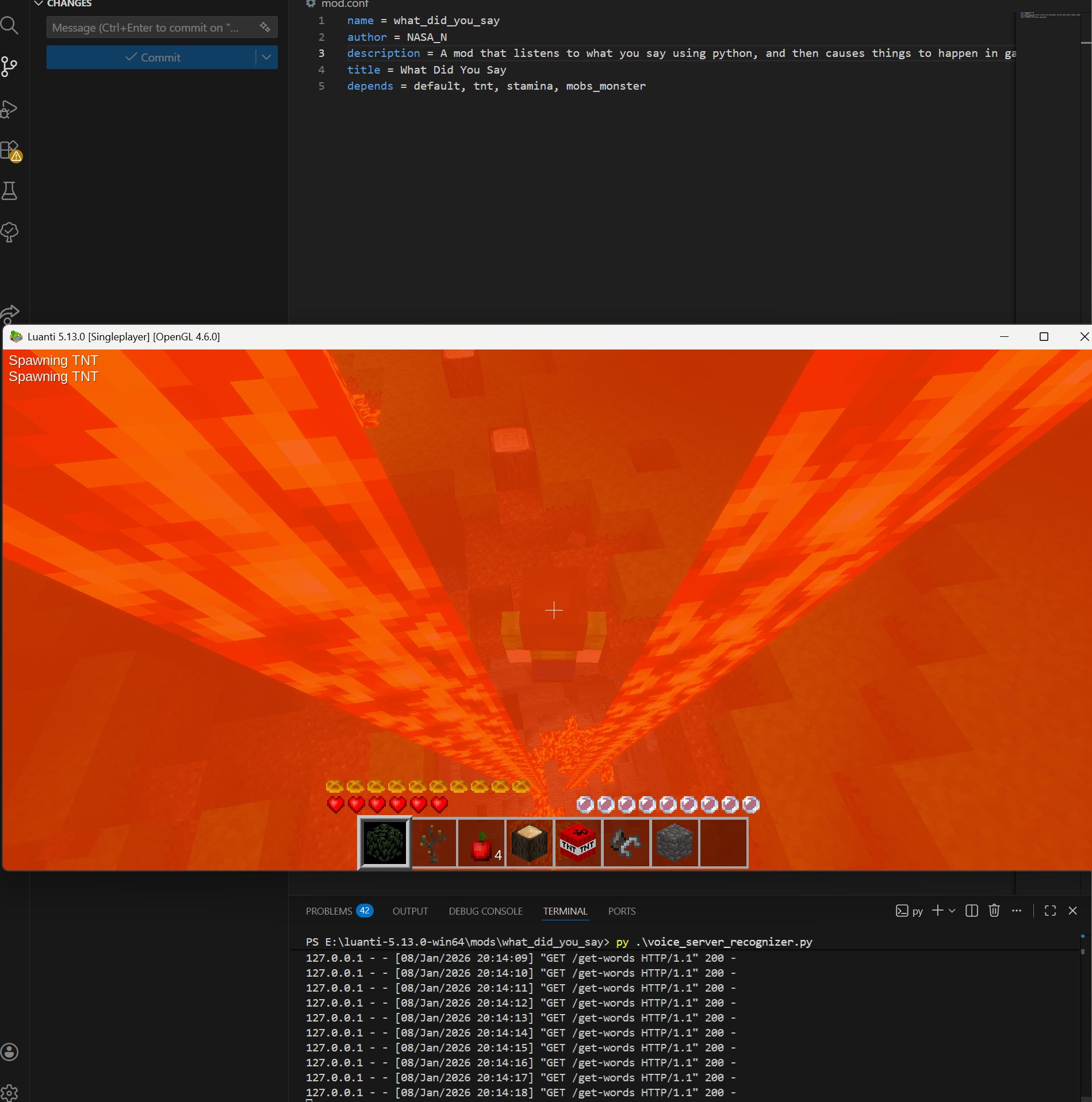
Quickstart:
- Add "secure.http_mods = what_did_you_say" to minetest.conf
- Install Python
- Install Flask
- Ensure that speech_recognition is installed using Python
- Start the voice server by double clicking or typing "./startVoiceServer" in PowerShell or Command Prompt
- Enable the mod in the mods menu and have fun!
Thanks for downloading this mod! Its a little more advanced, and requires a little more hands on experiance to use properly. To start the server, just double click the "startVoiceServer.bat" file or run it from the command line. If you're still having issues, look in the startVoiceServer.bat for a few tips.
To add extra trigger words, add a word to the triggers list and add what it does in the triggerAction() function.