
MtPaint 🔗
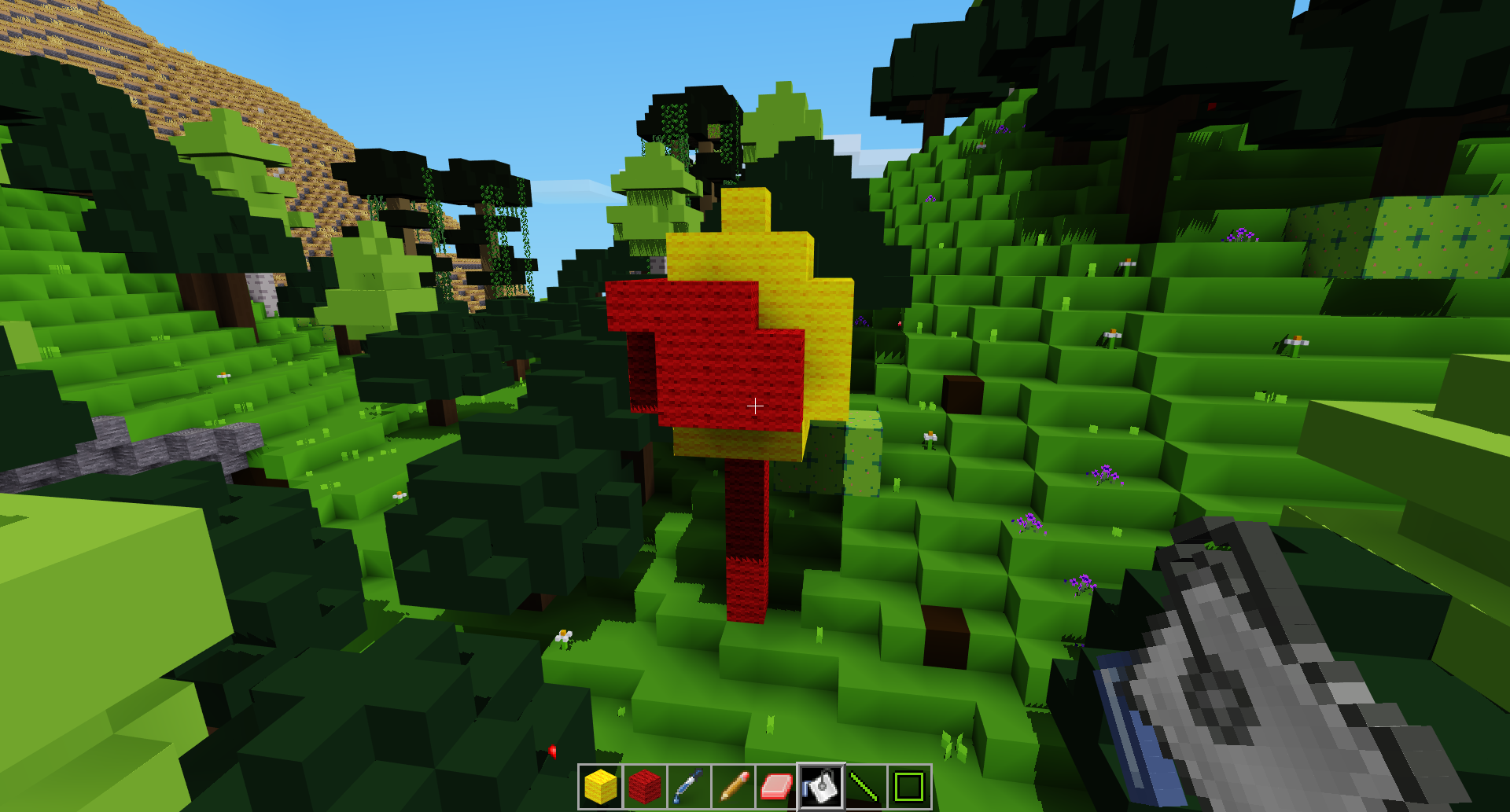
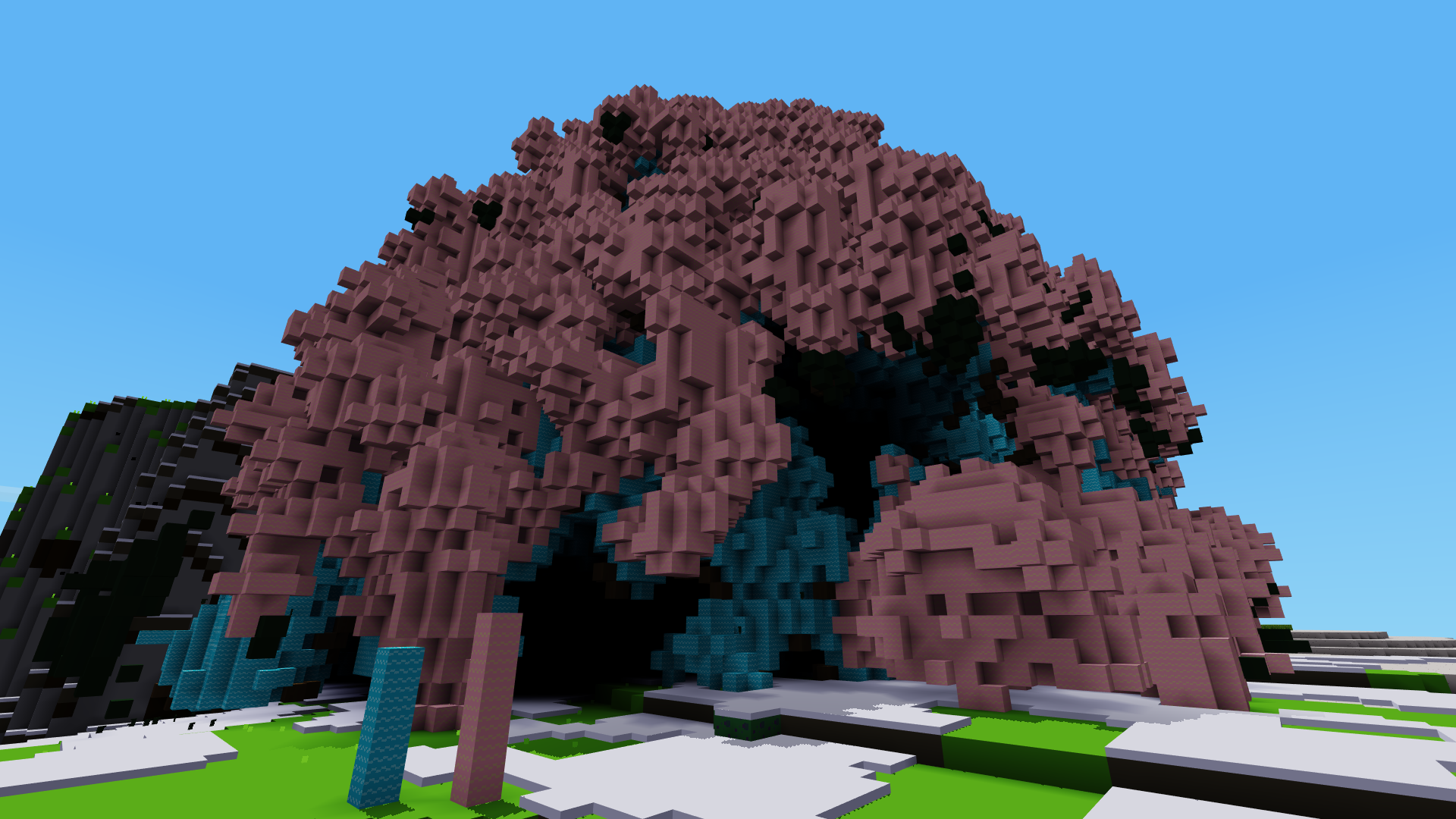
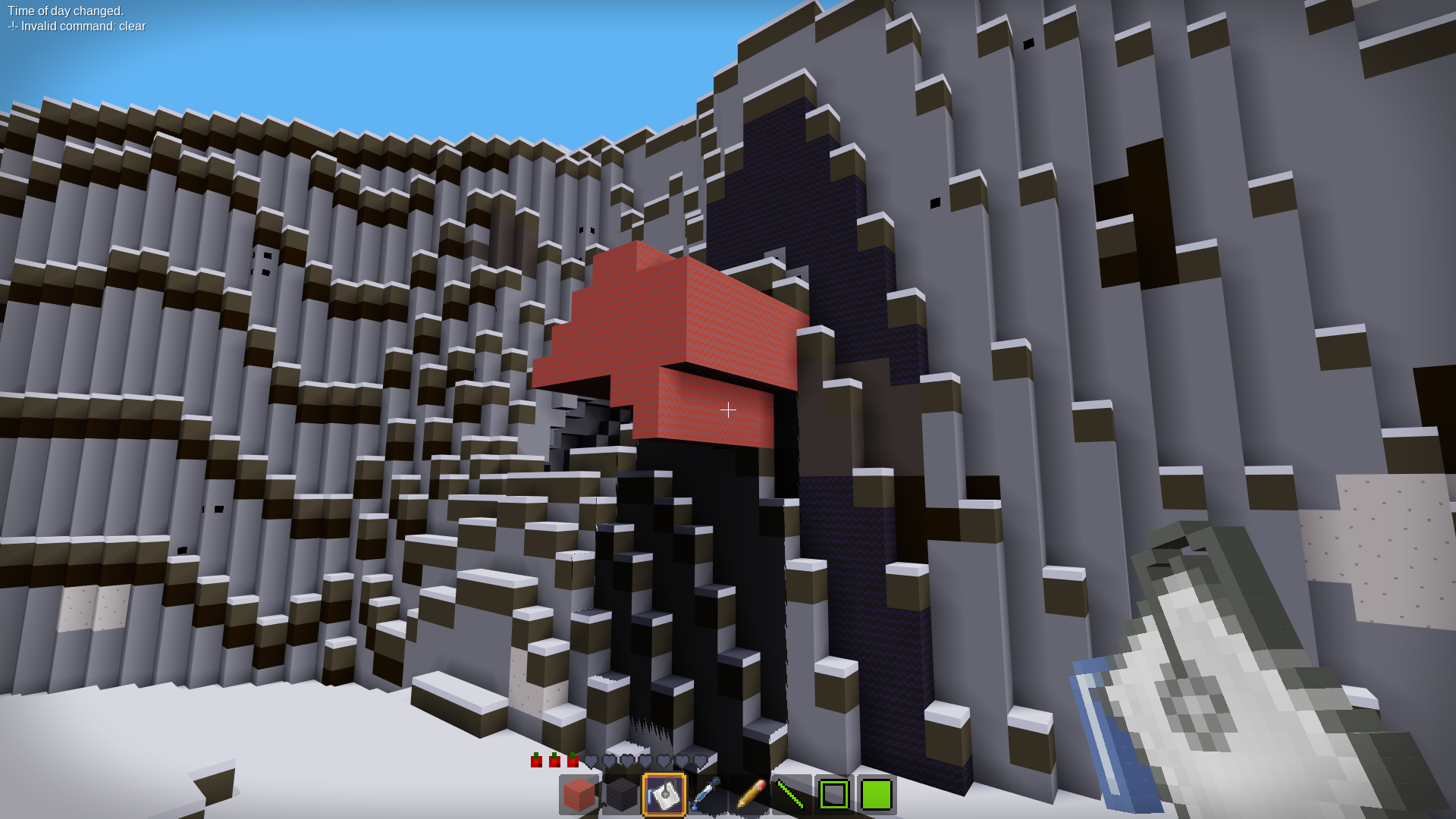
Image editor-style world editing for Minetest.
Built with AI assistance
Features 🔗
-
Primary / Secondary nodes
- Left click uses inventory slot 1
- Right click uses inventory slot 2
-
Face-aware placement
- Click replaces the targeted node
Aux1+ click places on the clicked face instead
-
Pencil
- Places or replaces a single block
-
Eraser
- Removes the highlighted block
-
Picker
- Copies the highlighted block into the active slot
-
Flood Fill
- Fills connected blocks on the clicked face
-
3D Flood Fill / Additive Fill
- Fills a sixâconnected component of identical nodes in true 3D space. Click to replace a block and all connected neighbors; use the
aux1modifier to surround the region with a oneânode thick shell (nodes are placed on top of the replaced component). This tool is not restricted to a plane and therefore differs from the regular flood fill, which only affects the face you click and works by placing nodes on adjacent faces.
- Fills a sixâconnected component of identical nodes in true 3D space. Click to replace a block and all connected neighbors; use the
-
Filled Box
- 2-corner selection volume fill
-
Box Outline
- 2-corner selection edges only
-
Filled Ellipsoid
- 2-corner selection ellipsoid volume
-
Line
- Draws a 3D line between two selected points
Usage 🔗
MtPaint tools are not craftable.
Use the /give command (or /giveme) to obtain them:
/give <player> mtpaint:pencil
/give <player> mtpaint:fill
/give <player> mtpaint:eraser
/give <player> mtpaint:picker
/give <player> mtpaint:additive_fill   # 3D flood fill tool
/give <player> mtpaint:rect_fill
/give <player> mtpaint:rect_edge
/give <player> mtpaint:ellipse_fill
/give <player> mtpaint:line_tool
Aliases 🔗
The following shortcuts are available for use with /giveme <alias>
pencilfillerasergumpickercolorpickernodepicker
See experiment branch for other ideas.
Donate 🔗
If you enjoy my work, you can support me here: ð Donate
Thank you for helping me keep modding and sharing fun with everyone!