Description
How to make your own Blockbomber arenas 🔗
- Download this game
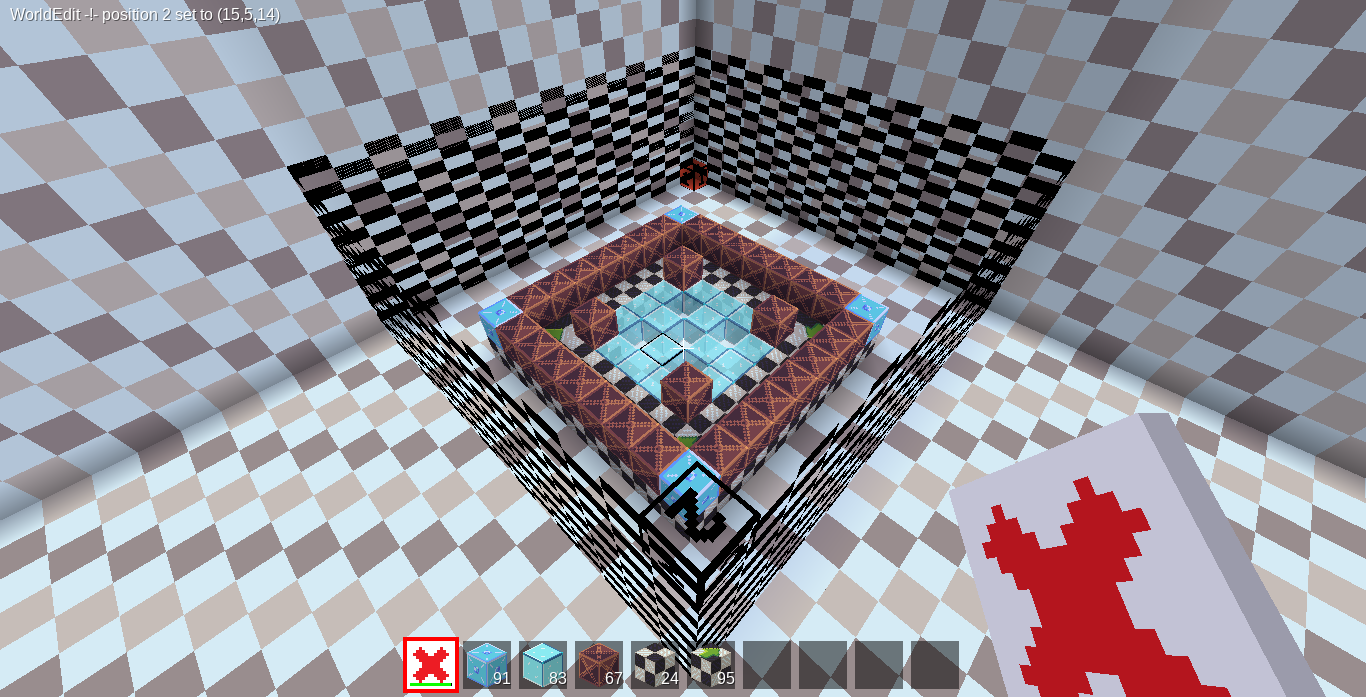
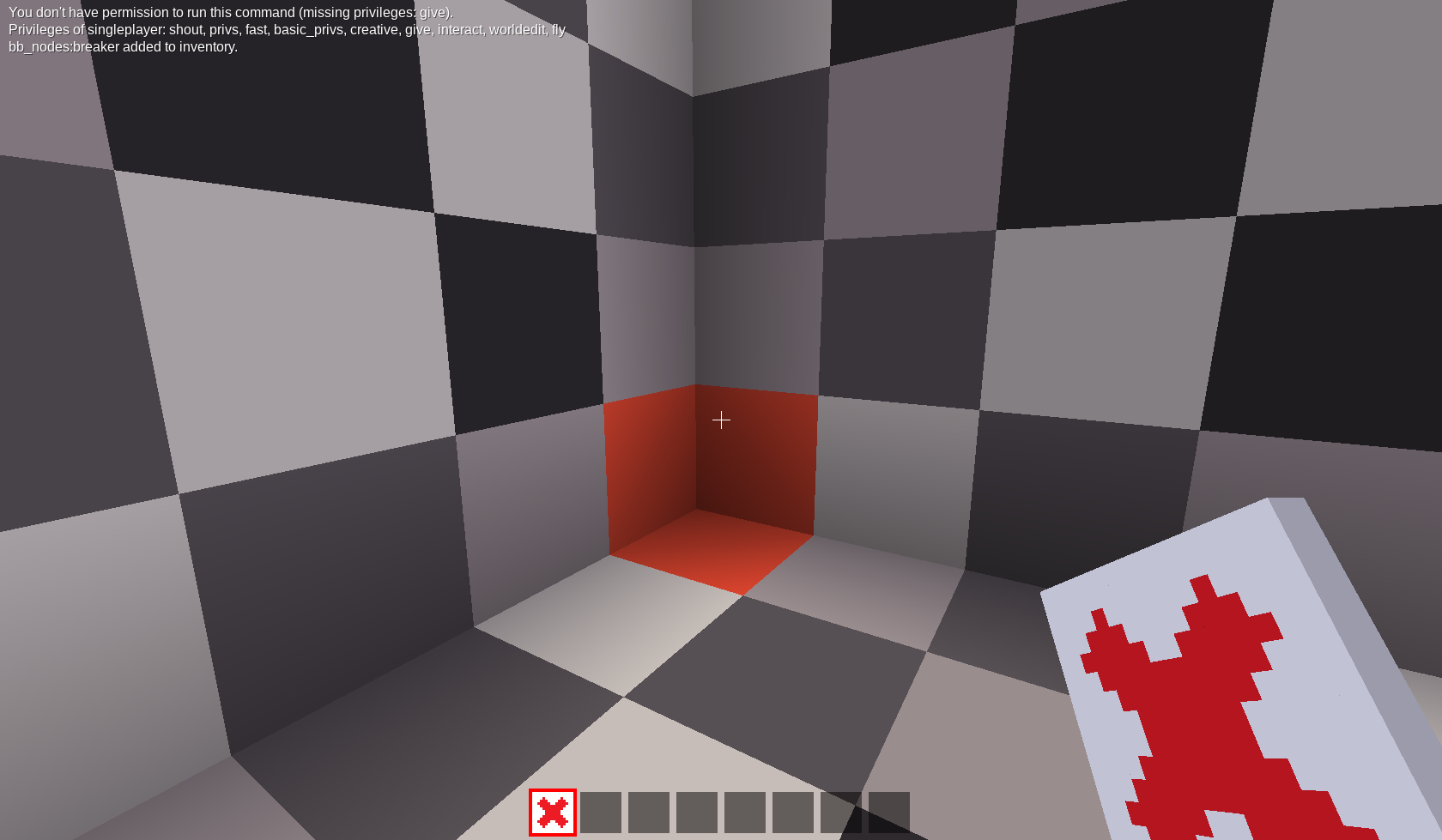
- Make a new world, enter it. in creative with damage disabled. Note the world name. The red corner is the origin.

- Build you arena. Floor nodes can only be placed on the floor, other nodes can only be placed above it. Set worldedit position 1 at the origin by standing on it and sending the command:
//1
set position 2 such that it contains the arena.
//2

- Save your arena with:
//mtschemcreate <arena_file_name> <-- replace everything in brackets and the brackets themselves with the filename of the arena
-
get a pen and paper
-
move to each spawn position, and set position 1 there
//1That will send you the location of the spawn in chat. Write it down

- move to the spectator position. Set position 1 there and write down the spectator position.
The spectator position should be above and in the center of the arena.

- now, open the game files. You will find a sample mod inside the folder
<minetest_folder>/games/blockbomber_editor/sample_arena_mod
Rename the my_arenas mod to whatever you want to name your arenas expansion pack as.
edit mod.conf inside the mod to change the name
- navigate you your worlds folder. Find the world that you made for the editor. open the schems folder inside.
<minetest_folder>/worlds/<yourworld>/schems
copy the schematic that you made
paste it in the schems folder of your mod
<minetest_folder>/games/blockbomber_editor/<sample_arena_mod>/schems
- open the init.lua file in the sample mod
it looks like this:
local modpath = minetest.get_modpath("my_arenas")
local schemdir = modpath.."/schems/"


bb_schems.register_arena({

    name = "My Special Arena", --the human readable name of the arenas
    author = "YourName", --the author of the arenas
    schem = schemdir.."myarena.mts", --the replace with the name of the schematic
    min = 2, --minimum players
    max = 4, --maximum players
    spawns = {
        vector.new(x,y,z), -- the spawn locations, needs as many as max players

    }, --a table of spawn locations
    spectator_pos = vector.new(x,y,z), -- spectator position, should be above and in the center of the arena.
})
- Replace the information according to your needs.
-
modpath at the top of the file change the mod name inside get_modpath
-
name
-
author
-
schem replace the name.mts part with the name of the file
-
min and max players
-
spawns You need as many spawns as max players. You should have these written down. replace x,y,and z and copy the
vector.newline over as many times as you need to define all your spawns -
spectator_pos enter the spectator position you wrote down
- you can add as many arenas to your mod as you like. when finished, release your arena expansion pack mod on the forums and/or github and/or Contentdb and then ping MisterE to update Blockbomber with your mod :D
genal
muy util para crear mis propios mapas para el juego BlockBomber