
LDF Race 🔗
Luanti DeFrag Race is a mod enabling timed races and parkours, with best record scores, one per player character, saved within the race Finish nodes.
Nodes 🔗
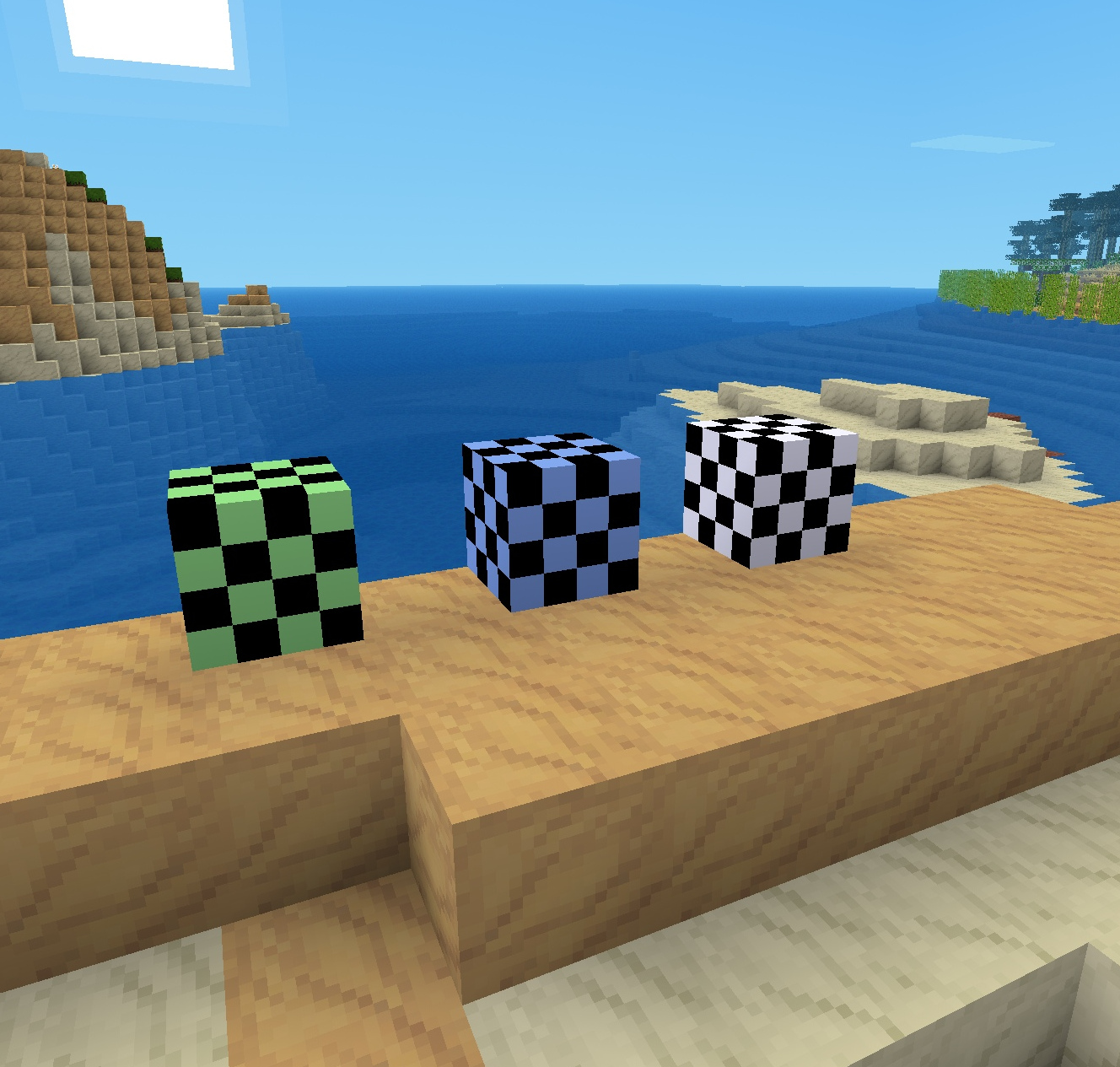
There are three types of nodes available: Start, Checkpoint, and Finish.
Simple Race 🔗
To set up a simple race, place the Start node first. Right-click the Start node to mark it, and then place the Finish node. You should see a chat message confirming that the Finish node is now connected to the marked Start node.
Multistage Race 🔗
To set up a multi-stage race, place a Start node, right-click it, place a Checkpoint node, right-click it, and keep going in this fashion until you are ready to place the Finish node.
Running A Race 🔗
To run a race, right-click the Start node. You should hear a gong sound if the race has started, and a denial beep if the race cannot be started (fly priv would do it). Run over to the next node in the race and right-click it to continue or finish the race. Your time records, if they are better than before, will be saved in the Checkpoint and Finish nodes. There is one record saved per player nickname.
Record Management 🔗
To see all the saved records, right-click Checkpoint and Finish nodes with a default wooden ladder.
If your character is the Checkpoint or Finish node's placer/owner, then after right-clicking the node with a ladder, you can right-click it with a default axe, and it will purge the best time record from the saved time table.
To clear all recorded times in a Checkpoint or Finish node without breaking the race sequence, first right-click the previous node, then dig up and replace the node you want to blank.
Modifying A Multistage Race 🔗
Suppose you want to relocate one of the Checkpoint nodes within an multistage Race. Remove the node, right-click the previous node, place the Checkpoint node at the new location, right-click it, and then replace the next node in the sequence, that is, dig it up and place it back where it was. This should update the race sequence, however, you may want to also update the time tables at all of the following nodes in the sequence. One way to do so is by right-clicking a Checkpoint, then replacing the next Checkpoint, and so on until the Finish.