
BlockFrame 🔗
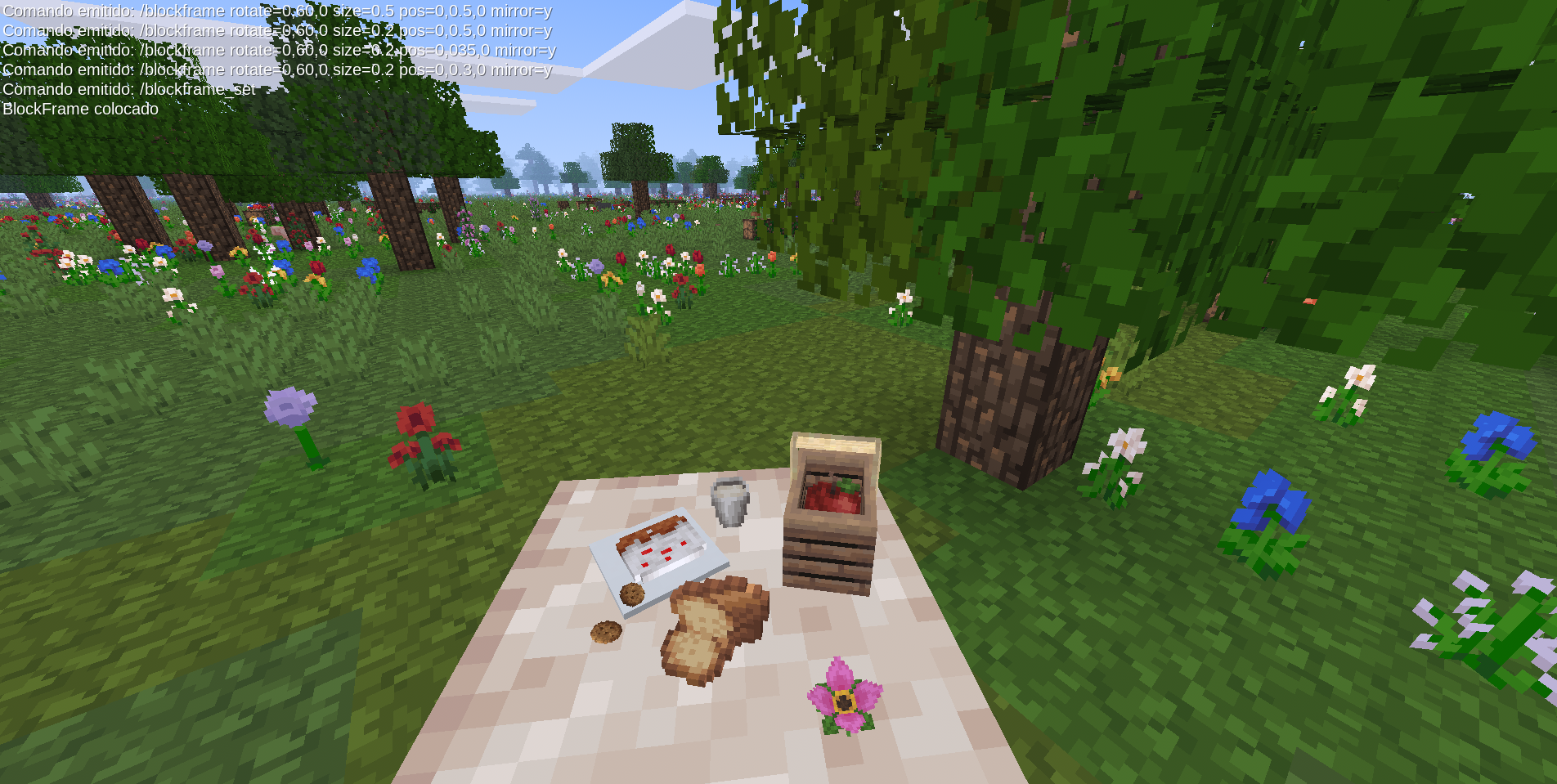
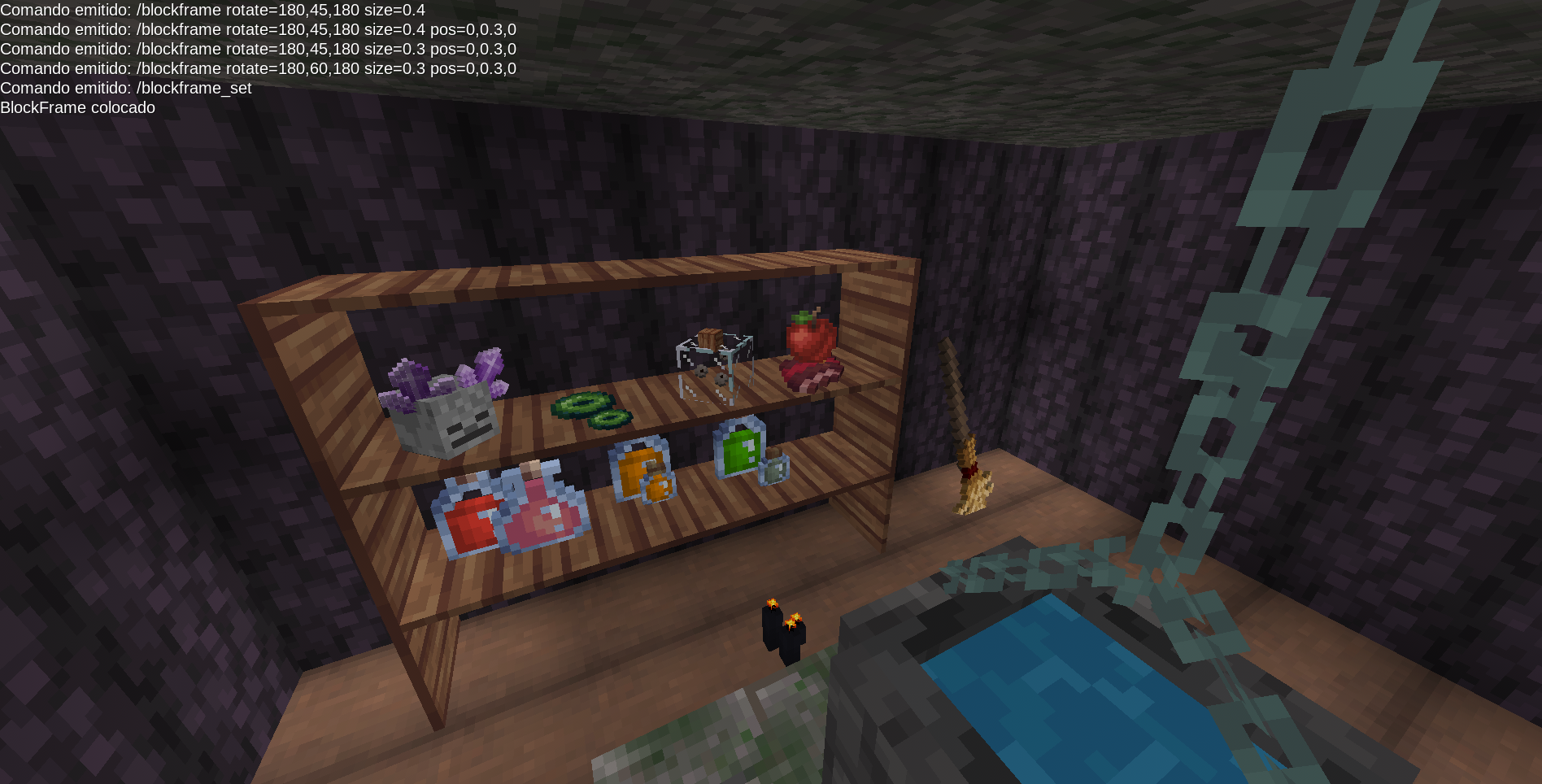
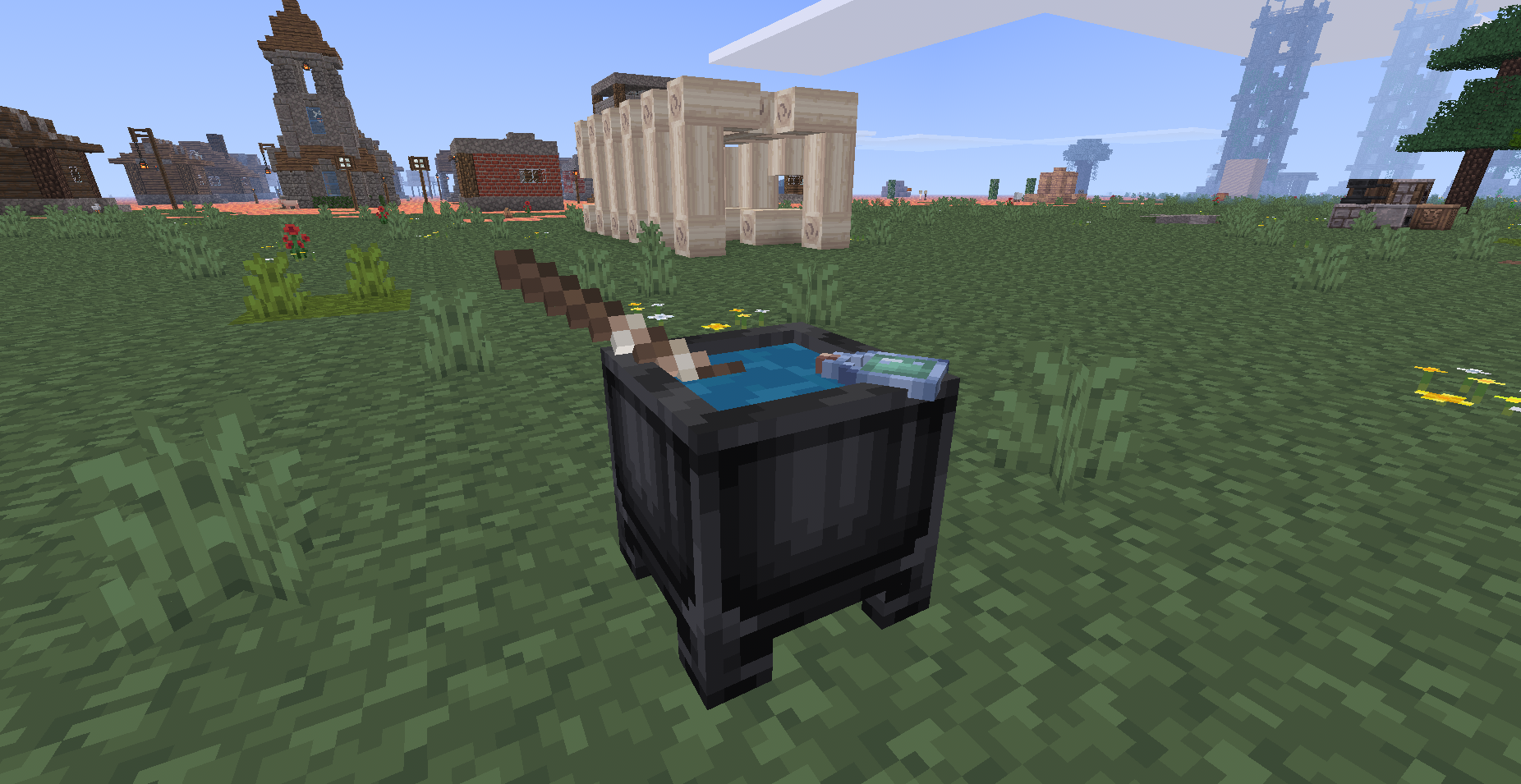
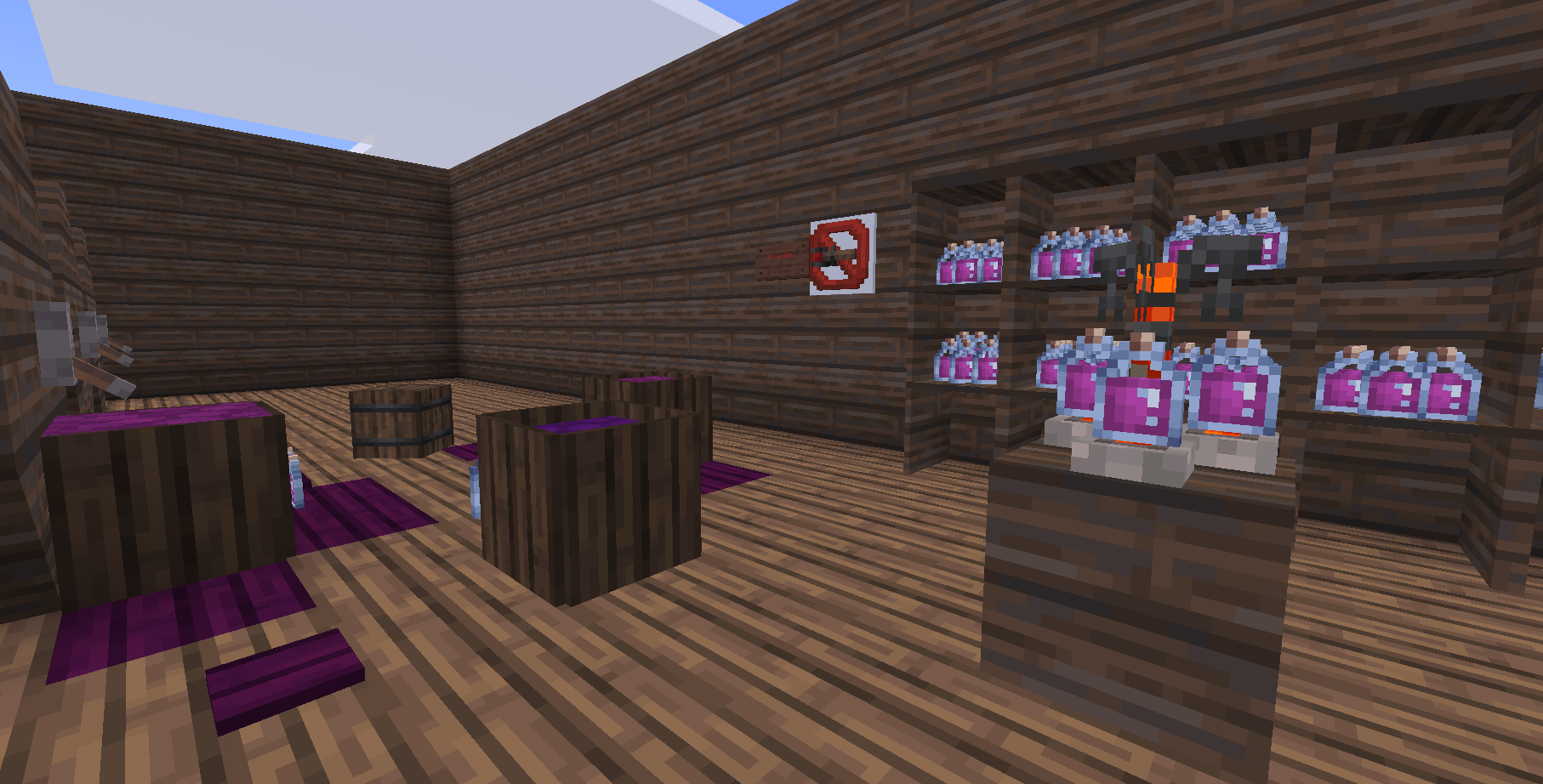
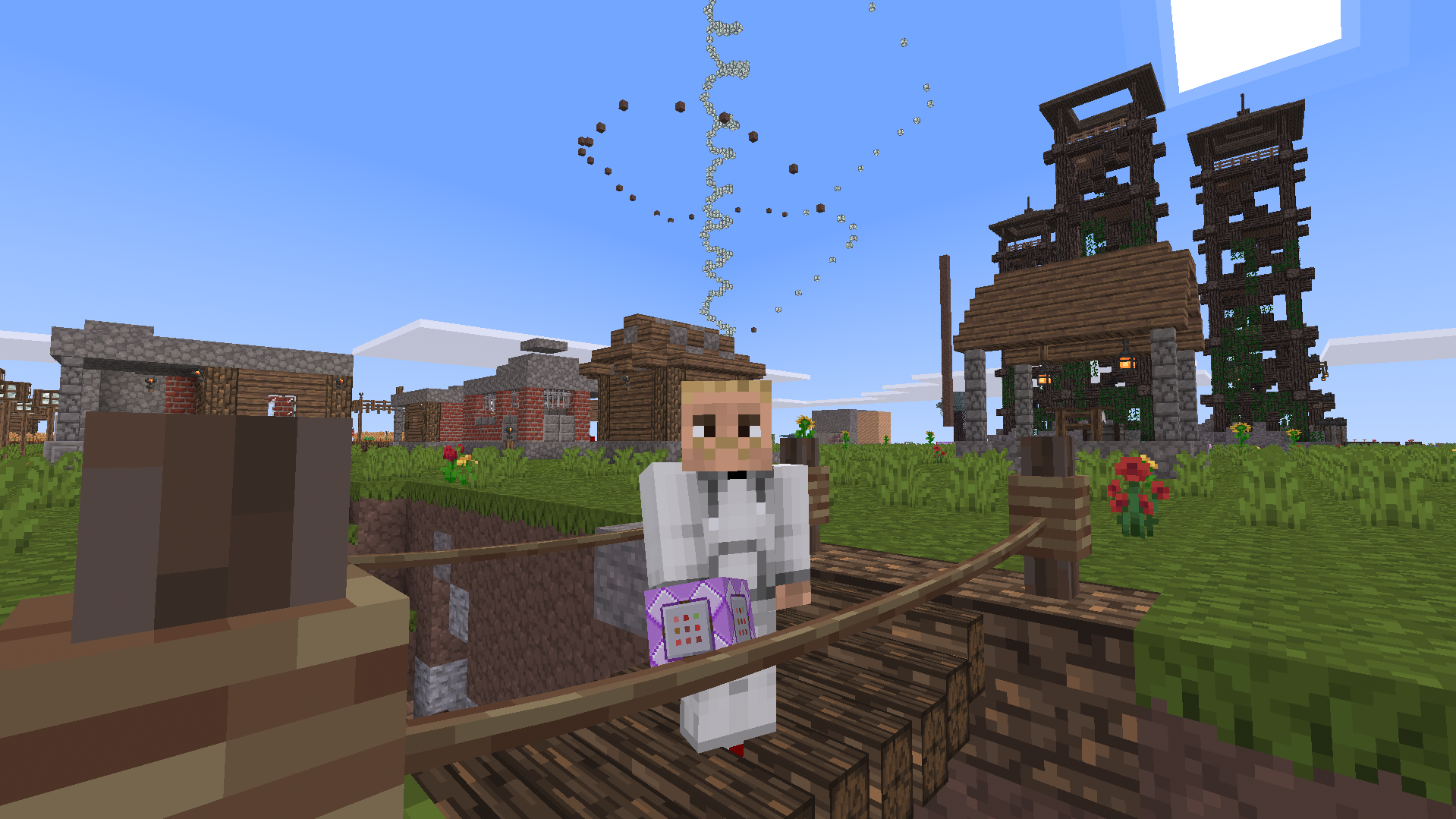
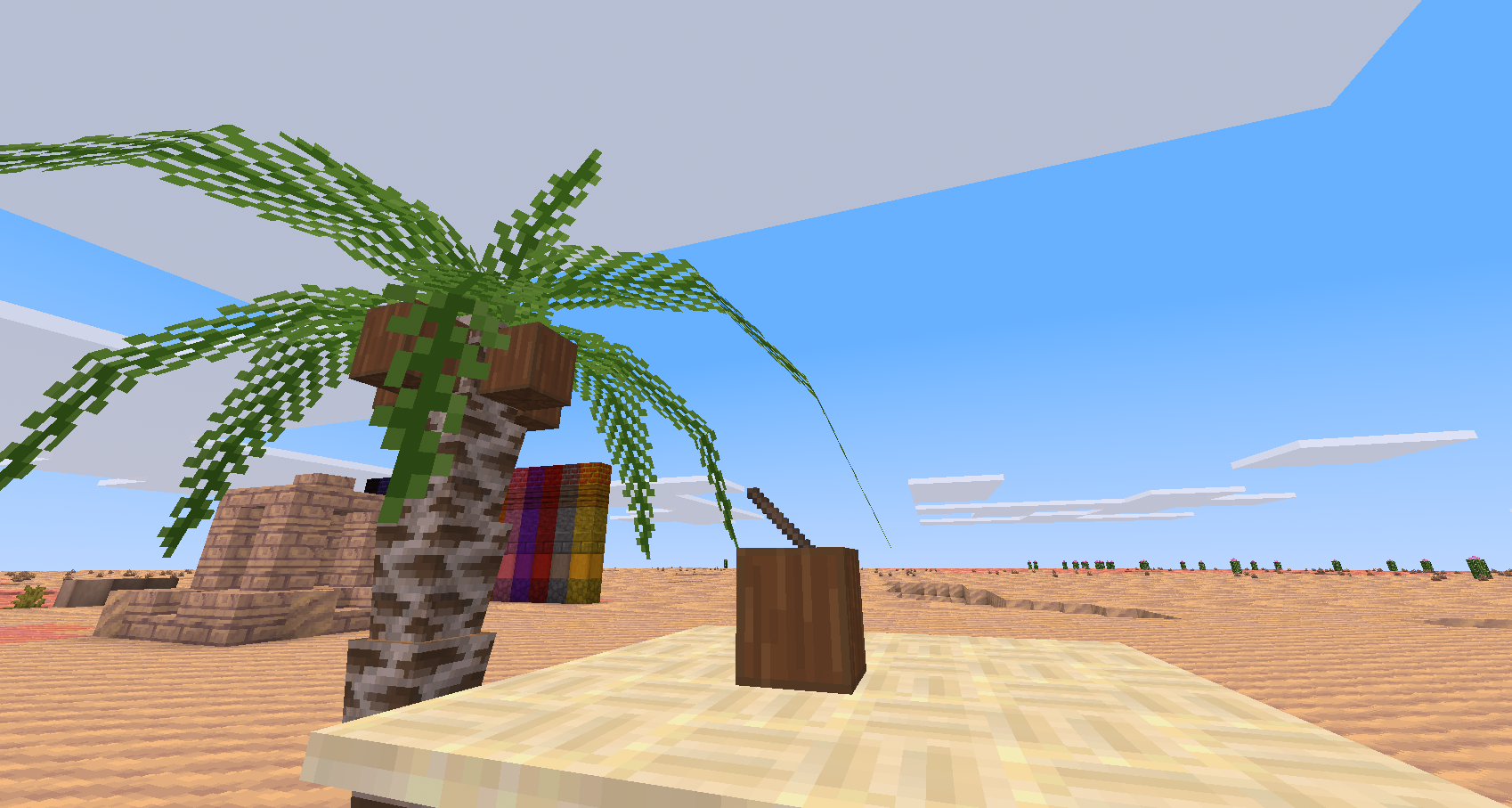
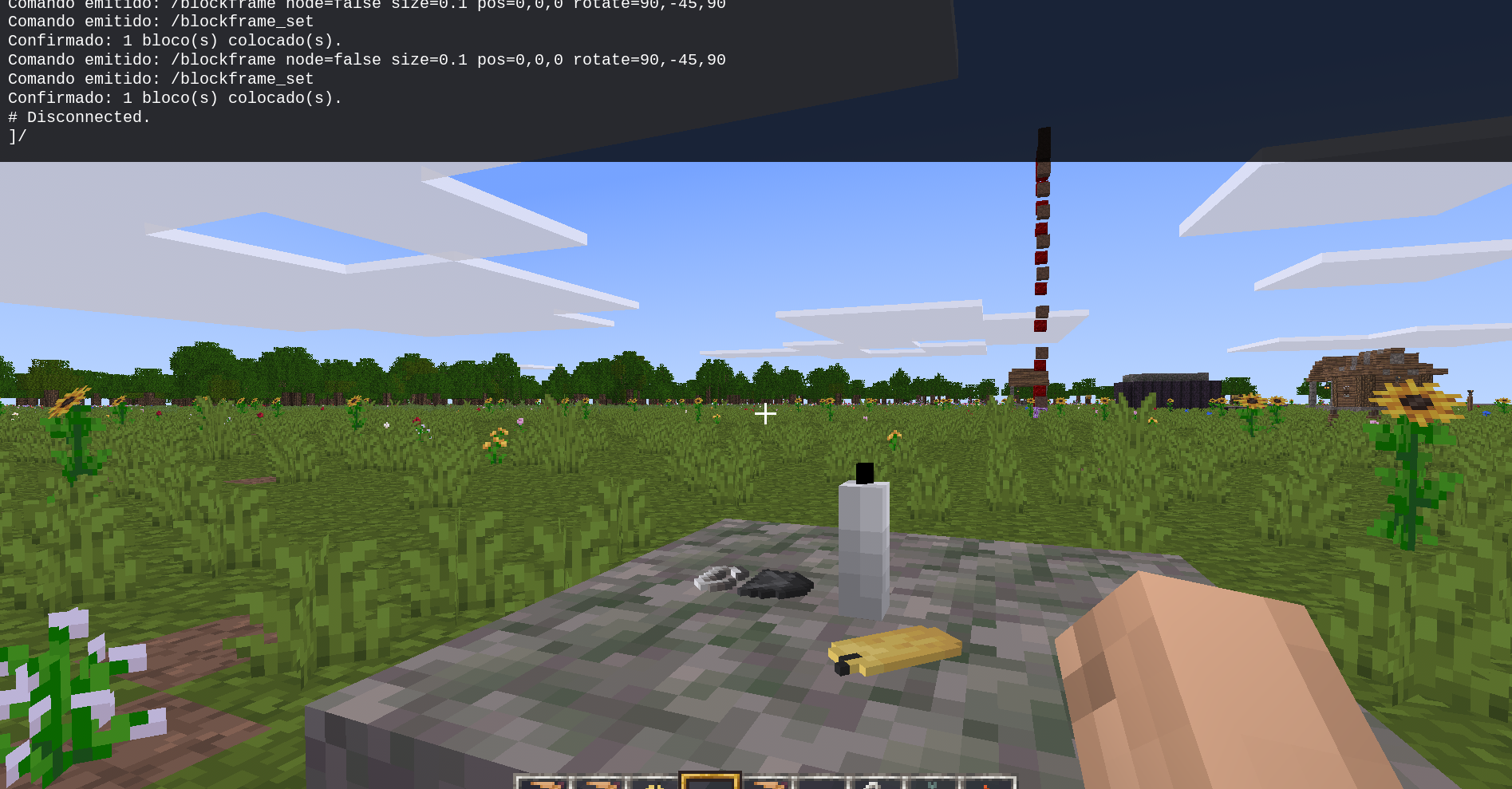
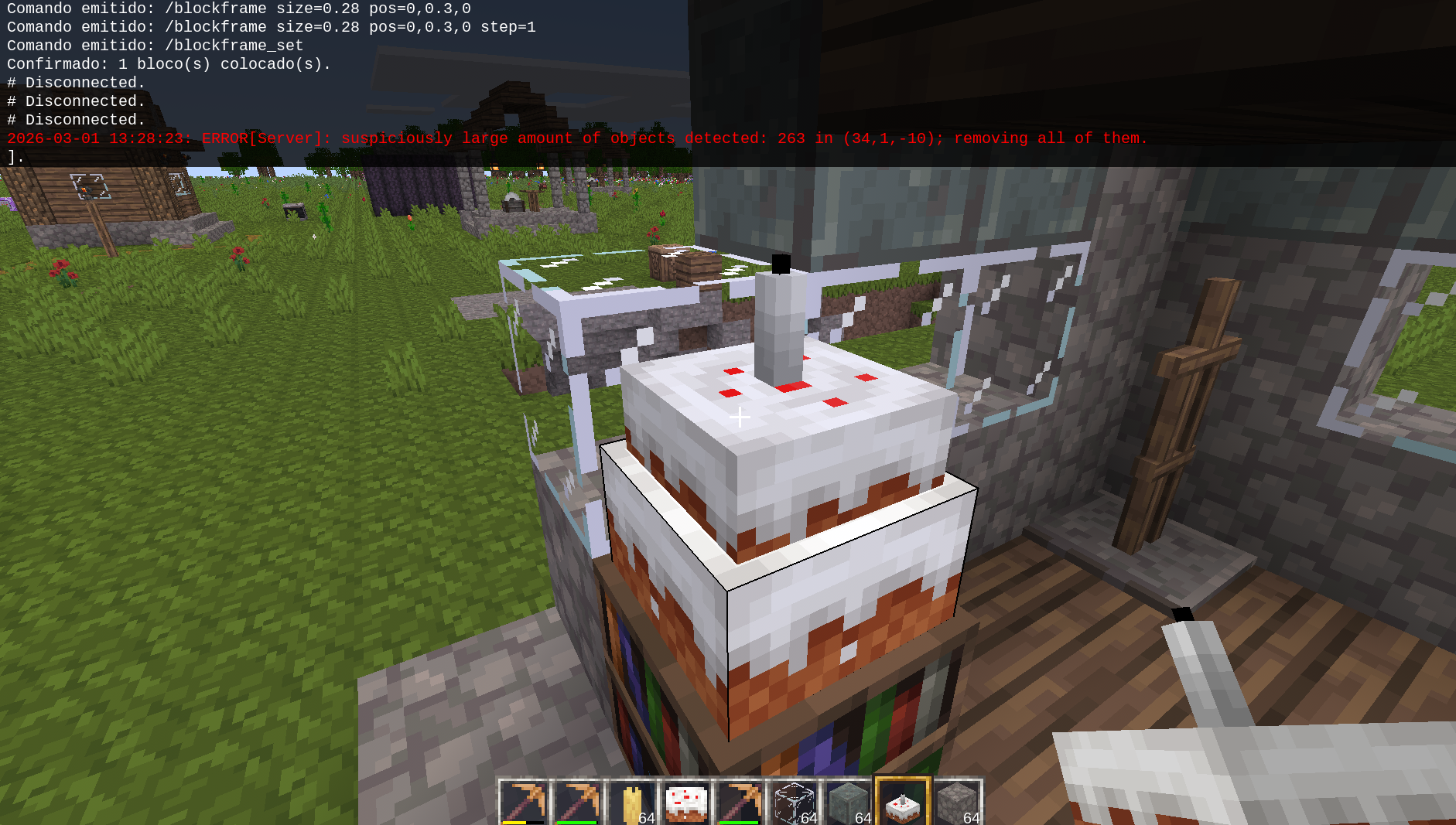
BlockFrame is a powerful Minetest / Mineclonia building tool that lets you preview, transform, precisely place, and visually edit blocks or items before confirming them in the world.
It is designed for:
- Detailed building
- Complex structures
- Scaling experiments
- Precise positioning
- Advanced world editing
Core Features 🔗
- Real-time preview using entities (
wielditem) - Custom scaling (
size) - Rotation in degrees on X, Y, Z axes (
rotate) - Axis-based mirroring (
mirror) - Adjustable grid snapping (
step) - Absolute or relative positioning (
pos) - Optional collision control
- Composite structures (save & load)
- Undo system
/blockframe_undo/blockframe_undo_apply/blockframe_del_undo
- Delete & restore system
- Works with any item
- Remembers last used item
- Persistent transformation data
- Interactive in-world visual gizmo editor
Interactive Gizmo System 🔗
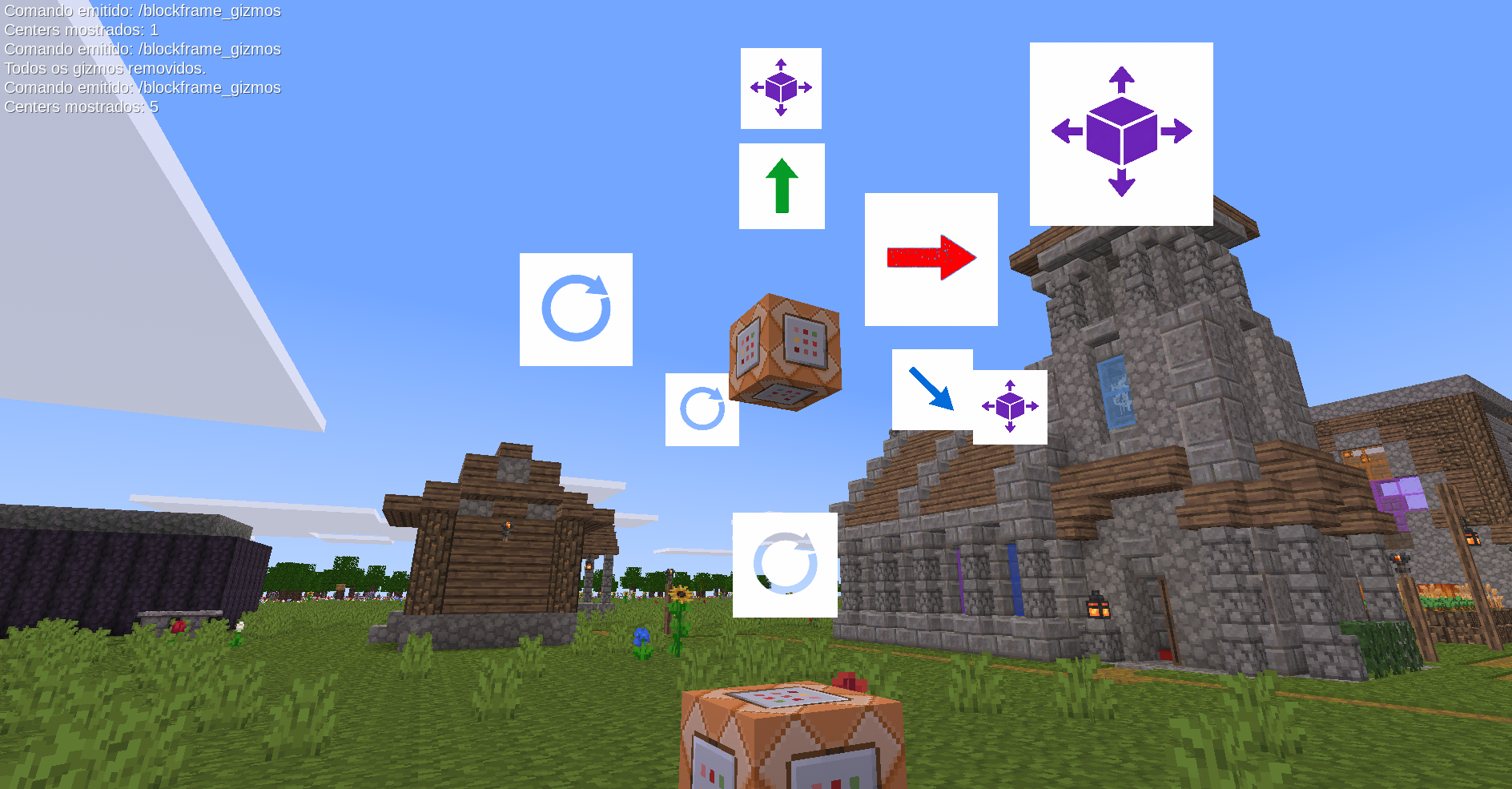
BlockFrame includes a visual in-world transformation editor similar to professional 3D tools.
Behavior 🔗
/blockframe_gizmosshows only Center gizmos- Clicking a Center opens:
- Move (X, Y, Z)
- Rotate (X, Y, Z)
- Scale (X, Y, Z)
- Clicking another BlockFrame Center automatically closes the previous one
- Running
/blockframe_gizmosagain removes ALL gizmos (including centers) - Transformations persist after world reload
Gizmo Controls 🔗
Move 🔗
- Left click → increase axis
- Right click → decrease axis
Rotate 🔗
- Left click → increase angle
- Right click → decrease angle
Scale 🔗
- Left click → increase size
- Right click → decrease size
All values use the dynamic step system.
Dynamic Step System 🔗
BlockFrame supports fully dynamic step control per object.
The step value controls:
- Movement increment
- Rotation increment (degrees)
- Scaling increment
Global Step 🔗
/blockframe_gizmos step=5
Applies to nearby BlockFrame objects:
- Move → 5 units
- Rotate → 5°
- Scale → 5 units
Separate Step Control 🔗
/blockframe_gizmos step.move=0.25 /blockframe_gizmos step.rotate=10 /blockframe_gizmos step.scale=0.1
Example:
/blockframe_gizmos step.move=0.5 /blockframe_gizmos step.rotate=5 /blockframe_gizmos step.scale=0.05
Step values are stored per object and persist.
Commands 🔗
/blockframe <args> 🔗
Creates or updates a single preview of the wielded item.
Available arguments 🔗
size=x,y,z— Item scale- 1 value → x=y=z
- 2 values → x, y=z
rotate=x,y,z— Rotation in degreesmirror=x|y|z— Axis mirroringpos=x,y,z— Position offsetstep=value— Grid snapping and gizmo stepcollision=true|false— Enable collisionnode=true|falsetrue→ shows as nodefalse→ shows as wielditem
Examples 🔗
/blockframe size=0.5 /blockframe size=1,0.5 rotate=0,90,0 /blockframe mirror=x rotate=45 /blockframe pos=0,1,0 step=0.25
/blockframe_set 🔗
Confirms the active preview and places the block(s) in the world.
/blockframe_cancel 🔗
Cancels the active preview.
/blockframe_undo 🔗
Removes the last block placed using BlockFrame.
/blockframe_del [radius=N] 🔗
Deletes placed BlockFrame blocks in a radius.
Example:
/blockframe_del radius=3
/blockframe_del_undo 🔗
Restores blocks removed by the last delete.
/blockframe_save <name> [radius=N] 🔗
Saves a composite structure to a .bf file.
Example:
/blockframe_save my_house radius=10
/blockframe_load <name> [args] 🔗
Loads a saved structure as a composite preview.
Accepted global args:
sizerotatemirrorposstepcollision
Example:
/blockframe_load my_house size=2 rotate=0,90,0
/blockframe_gizmos 🔗
Toggles the visual transformation system.
Also supports dynamic step configuration:
/blockframe_gizmos step=5 /blockframe_gizmos step.move=0.25 /blockframe_gizmos step.rotate=10 /blockframe_gizmos step.scale=0.1
/blockframe_help 🔗
Displays in-game help.
Import / Export .bf Files 🔗
When using:
/blockframe_save NAME
The file NAME.bf is saved in:
worlds/WORLDNAME/
You can:
- Share it
- Edit it
- Download structures from others
To load:
/blockframe_load NAME
Persistence System 🔗
BlockFrame stores:
- Rotation
- Scale
- Position offsets
- Step configuration
Using:
get_staticdata()on_activate()
Transformations survive:
- Server restarts
- World reloads
- Entity reactivation
File Structure 🔗
blockframe/ ├── init.lua ├── gizmo.lua ├── README.md └── LICENSE.txt
Installation 🔗
- Place
blockframeinside yourmods/directory. - Enable it in world settings.
- Start the world.
- Use
/blockframe_help.
License 🔗
Distributed under:
Creative Commons Attribution 3.0 (CC BY 3.0)
You may:
- Use
- Modify
- Redistribute
- Use commercially
As long as credit is given.
https://creativecommons.org/licenses/by/3.0/
Designed For 🔗
- Advanced builders
- Map creators
- Technical servers
- Creative experimentation
- Structural prototyping