

blockwatcher 🔗
Author: Cashia Version: 1.0 Minetest Version: 5.0+ Dependencies: None (Fully standalone)
Overview 🔗
BlockWatcher is a lightweight but powerful Minetest mod that logs all block placements and digs on your server. It provides forensic-level tools to track player activity and undo griefing.
Key features:
- Real-time logging of all block digs and placements to daily files.
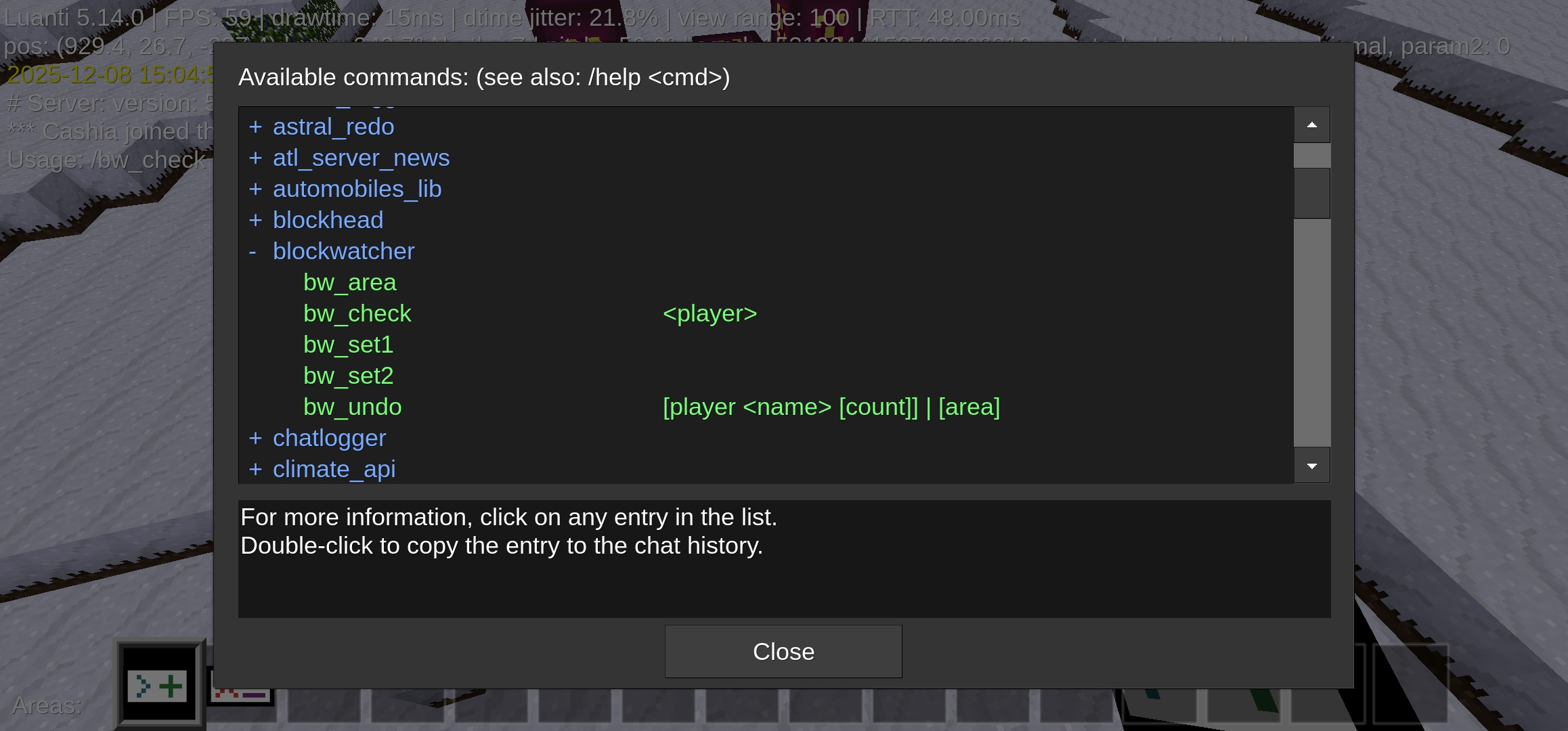
- Dedicated commands (
/bw_set1,/bw_set2) for defining a 3D region. - Particle visualization of the selected region's boundaries.
- Player-specific history:
/bw_check <player> - Region-specific history:
/bw_area - Undo/rollback functionality:
/bw_undo player <name> [count]or/bw_undo area
Installation 🔗
-
Place the
blockwatcherfolder in yourmods/directory. -
Enable it in
world.mt:load_mod_blockwatcher = true -
Start your server. You should see a log message confirming the successful load:
[blockwatcher] Loaded successfully (particle region selection, daily logs, /bw_set1/2, /bw_area, /bw_check, /bw_undo).
Commands 🔗
All sensitive commands require the blockwatcher_admin privilege.
Region Selection 🔗
Before using /bw_area or /bw_undo area, you must define the region using your current player position.
/bw_set1: Set the first corner of the region to your current location./bw_set2: Set the second corner of the region to your current location.
Tip: After setting both corners, the mod temporarily displays blue particles along the edges of the selected region.
/bw_check <player> 🔗
Shows the last 50 block edits by a specific player.
Example: /bw_check Cashia
/bw_area 🔗
Shows the last 100 block edits in the currently selected region (defined by /bw_set1 and /bw_set2).
Example: /bw_set1 /bw_set2 /bw_area
/bw_undo player <name> [count] 🔗
Undoes the last X actions by a player (default 50). It reverts placed blocks to air and replaces dug blocks with the original node.
Example: /bw_undo player Cashia 20
/bw_undo area 🔗
Undoes the last 100 actions in the currently selected region.
Example: /bw_undo area
Logs 🔗
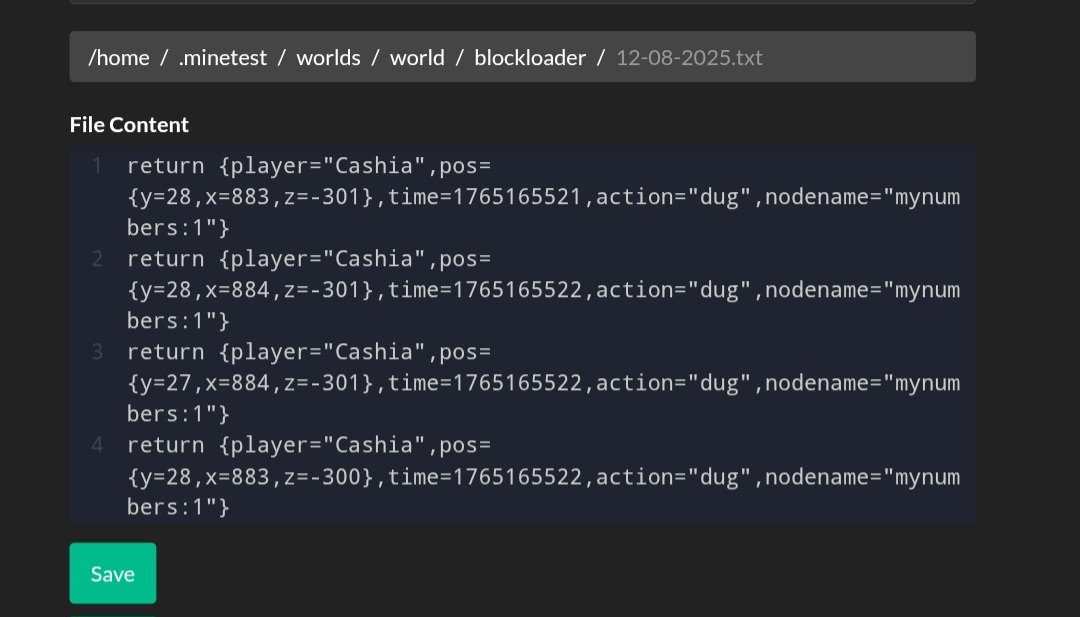
All events are saved in:
worlds/<your_world_name>/blockloader/[MM-DD-YYYY].txt
Logs are stored in simple, daily flat files (serialized Lua tables) for easy external review.
Notes 🔗
- Undo Logic: The undo logic is based on reading the logs backward:
- If the log entry says a block was placed, the undo sets that position to air.
- If the log entry says a block was dug, the undo sets that position to the original node name recorded in the log.
- The mod is entirely standalone and does not require WorldEdit.
Enjoy being Sherlock Holmes's Luanti version!
Amazing mod
This mod is creative, and i have tested it. I like how it tracks it worldwide if you check /bw_check player its works alot for griefing in servers and to keep track of griefing. This can solve suspicious dissappearances or a unprotected building griefing. Thank you :)