
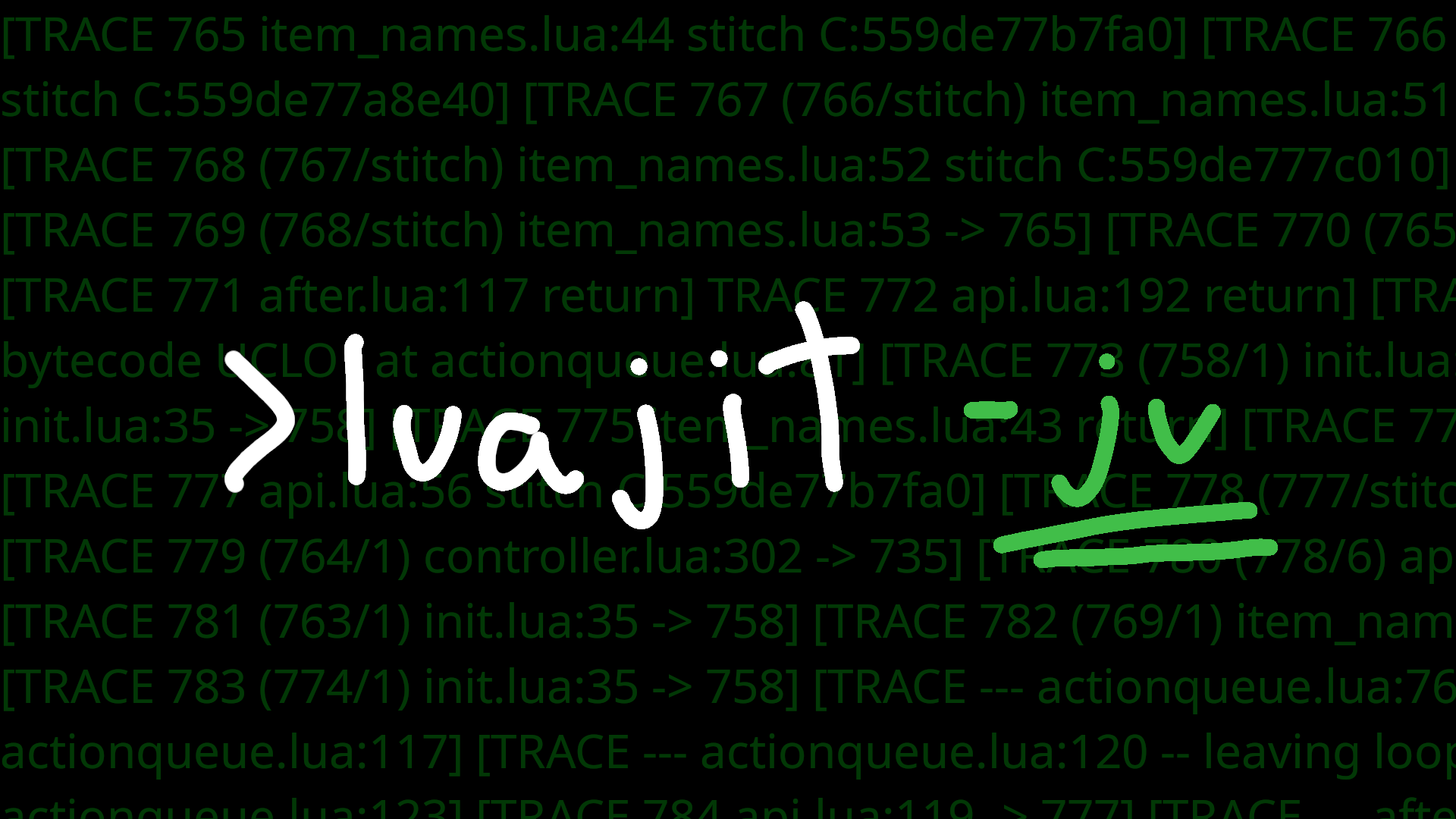
Imports the verbose mode of the LuaJIT compiler. (Does the same thing as luajit -jv <filename>)
This is the tool you can use when you don't know what to do even after using luajit's profiler (but have specific functions in mind that you hope to optimize).
After you don't know what to do after using this tool, you should consider creating a mod that does the same thing as the -jdump option in luajit, or just try asking in the luanti discord server for ideas on improvements.
Requirements 🔗
- You must have luaJIT installed on your system, or have some way for
requireto detect thejit.vmodule. - You have to trust this mod (You can read the source code of it, it's only 43 lines of code as of this writing)
Usage 🔗
This mod registers a /jv command. Simply run it (/jv with no arguments) and you will have the verbose output in the terminal you launched luanti from.
That gets noisy, so you should instead specify a file with /jv <filename>, for example i like to do: /jv /tmp/verbose_jit.txt
It's a lot easier to browse it as a file and see what you want.
Okay but how do i read that? What should i be concerned about? 🔗
If there are certain lines of code you want to be optimising, then search for them in the file you put to /jv.
Example: if you want to optimize my_mod_something.lua, from line 100 to 200, then you could search for my_mod_something.lua:1 and my_mod_something.lua:2 in your editor.
You should be concerned about "NYI" (Not Yet Implemented, this means luaJIT can't compile your code), and you should try avoiding calling functions that are stiches.
Here is a possibly outdated and unofficial list of all things NYI: https://github.com/tarantool/tarantool/wiki/LuaJIT-Not-Yet-Implemented (i don't know why luaJIT wiki stopped being a thing)
For a better answer, you should see the comments in jit/v.lua (The module that this mod is importing)