
XM Group Chat 🔗
Ownerless and equal permission chat groups.
Commands 🔗
Uses
mod_storageto save member data.
/xm-new
- Create a new XM group.
- A player may only belong to one group at a time.
- XM groups have no hierarchy of privilege, every member is equal.
/xm-invite <player_name>
- Sends an invitation to join your XM group.
- All group members can invite non-members to join their group.
- Sending and receiving invites limited to once every 60 seconds.
/xm-join
- Join the group you’ve been invited to.
- The invite expires after 60 seconds.
/xm-quit
- Leave your current XM group.
- Groups are deleted when the last member leaves the group.
- Groups with one member are deleted when that player exits the server.
- Re-joining a group will require an invite.
/xm-list [player_name]
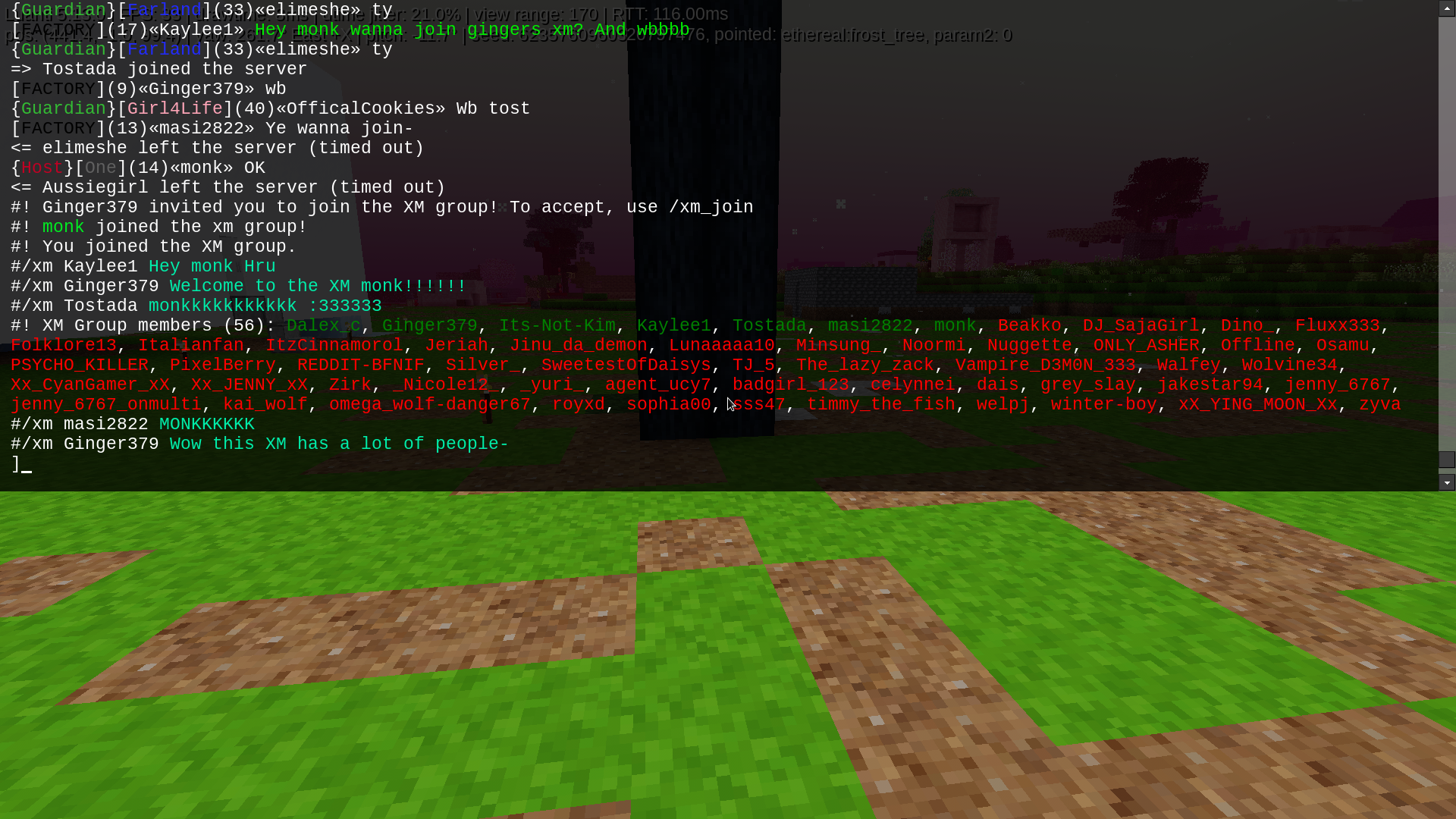
- List the names and online status of members in your group.
- Include another player’s name to list their group.
- Member names are color-coded: green for online, red for offline.
/xm <message>
- Send a message to your XM group.
- Messages are delivered with prefix
/xmand colored cyan.
/xm-dump
- Requires the server privilege.
- Dumps all XM tables to debug.txt for inspection.
MIT © 2025 monk